
If your team still needs the founder to get key work done, read What happens when your nonprofit still depends on you?
There is no single best nonprofit CRM for every organization. DonorPerfect, Keela, Neon CRM and Bloomerang are fundraising-focused candidates. Salesforce Nonprofit Cloud offers broader configurable workflows; CiviCRM offers open-source flexibility. Choose by the work you need to manage, Canadian requirements, total cost and the people available to maintain it.
In this guide
Why I start with the work
I used to recommend another tool every time something became hard to manage.
I meant well. I had managed work funded through foundation grants, government grants and individual giving. When information was difficult to find, a better tool felt like a practical answer.
So I kept recommending tools.
Eventually, managing them became a job of its own.
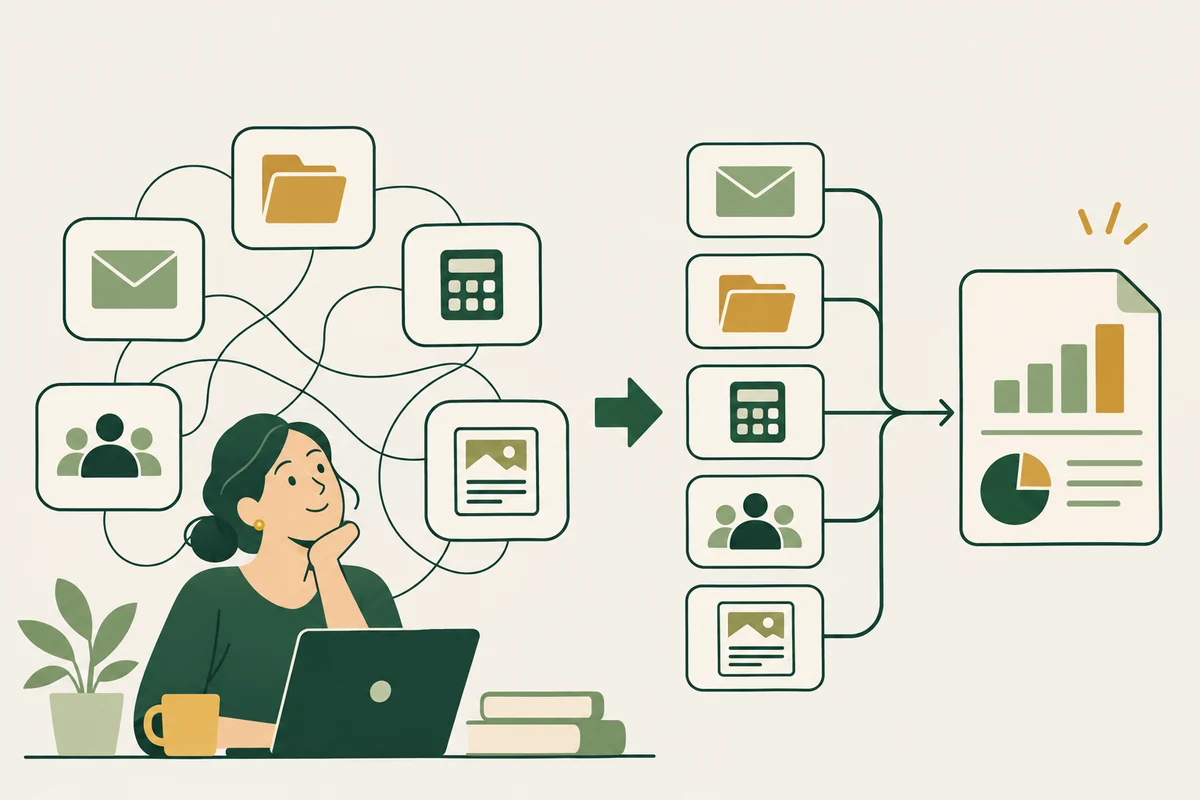
We could have information in Sage, Salesforce, Mailchimp, email and shared drives. Each tool had a purpose. Someone still had to pull the pieces together when a report was due.
That experience changed how I think about buying a nonprofit CRM.
Before I ask what a platform can do, I want to know what the team keeps having to do around it.
What should a nonprofit CRM manage?
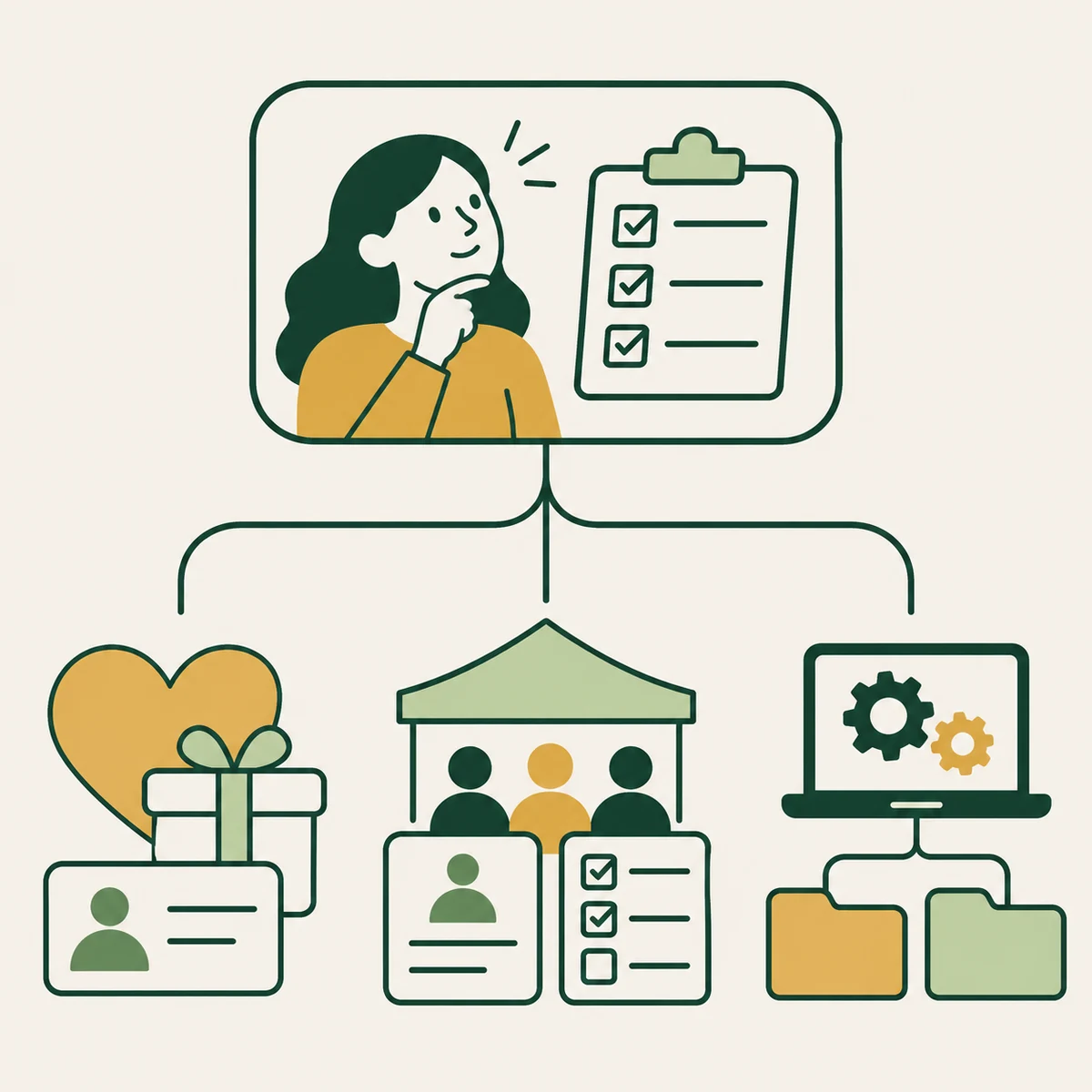
Nonprofit CRM software holds information about your relationships with donors, volunteers, members and other people and organizations. But “we need a CRM” can hide several different problems.
You may need to track gifts, thank donors and follow up on fundraising conversations. You may need to manage applications, referrals, attendance and program outcomes. Or your existing systems may already hold the answers, with no clear path between them.
Those needs can overlap. They still deserve separate questions.
A good donor database does not automatically give a program team the right records, access rules or reports. And connecting everything is not automatically better. Some information should stay separate, with access limited to the people who need it.
Write one sentence before booking a demonstration: “We need to make it easier to ___.” Then name the people doing that work and the result they need.
Nonprofit CRM comparison at a glance
Six nonprofit CRMs to consider for 2027
For 2027 planning, these are six candidates I would consider by need. This is a researched shortlist of published capabilities, checked November 2, 2026. It is not a hands-on test or a promise about 2027 prices.
DonorPerfect: start here if fundraising administration is the main issue
DonorPerfect’s Canadian packages list donor management, communications and CRA receipting. Pricing is by quote. It is a useful candidate when gifts and donor follow-up are the main work to improve. Canadian packages
My question: can your staff follow a gift through acknowledgement and finance reconciliation in the package being quoted? Ask which connections and migration tasks are included.
Keela: compare it when supporter records and communications live apart
Keela lists donor management, email, forms and reporting, with plans based on contact count. It also states that Canadian organizations’ data is stored in Canada. That is the vendor’s description; confirm the contractual details. Keela pricing
My question: what happens to the bill as your list grows, and which existing tools could you actually retire? Ask about onboarding, processing fees, backups and third-party services too.
Neon CRM: look closely at the revenue-based price
Neon CRM bases pricing on organizational revenue and advertises unlimited records and users. Memberships, events and volunteers are optional paid modules. Neon CRM pricing
My question: how is revenue defined, and when is the price reviewed? Confirm Canadian payments and receipting requirements before assuming regional fit. A long feature list is not an answer to those questions.
Bloomerang: compare the CRM with the broader bundle
Bloomerang’s CRM lists donor management, communications, tasks, reporting and permissions. Its Giving Platform brings fundraising, CRM and volunteer tools together. The bundle requires a quote. Bloomerang pricing
My question: what is included in this proposal? Ask staff to follow a supporter who donates, attends an event and volunteers. Check Canadian payments and receipting rather than assuming every feature travels across borders.
Salesforce Nonprofit Cloud: budget for the work around the licences
Salesforce lists fundraising, program and outcome management, and volunteer management. Core is currently US$70 per user per month, billed annually. Its Power of Us program offers ten Core licences to eligible nonprofits. Salesforce nonprofit pricing
My question: who will own configuration and administration after launch? Donated licences do not clean records, agree on definitions or train staff. Wider scope needs a realistic plan for maintaining it.
CiviCRM: open source still needs an operating budget
CiviCRM offers contacts, contributions, memberships, events, email and case management. The software is free to download and use, with hosting and partner options available. CiviCRM features, download options
My question: who handles updates, backups, security and support? Open source gives you choices. Those choices still need an owner and a budget. Hosting guidance
How to test a nonprofit CRM before buying
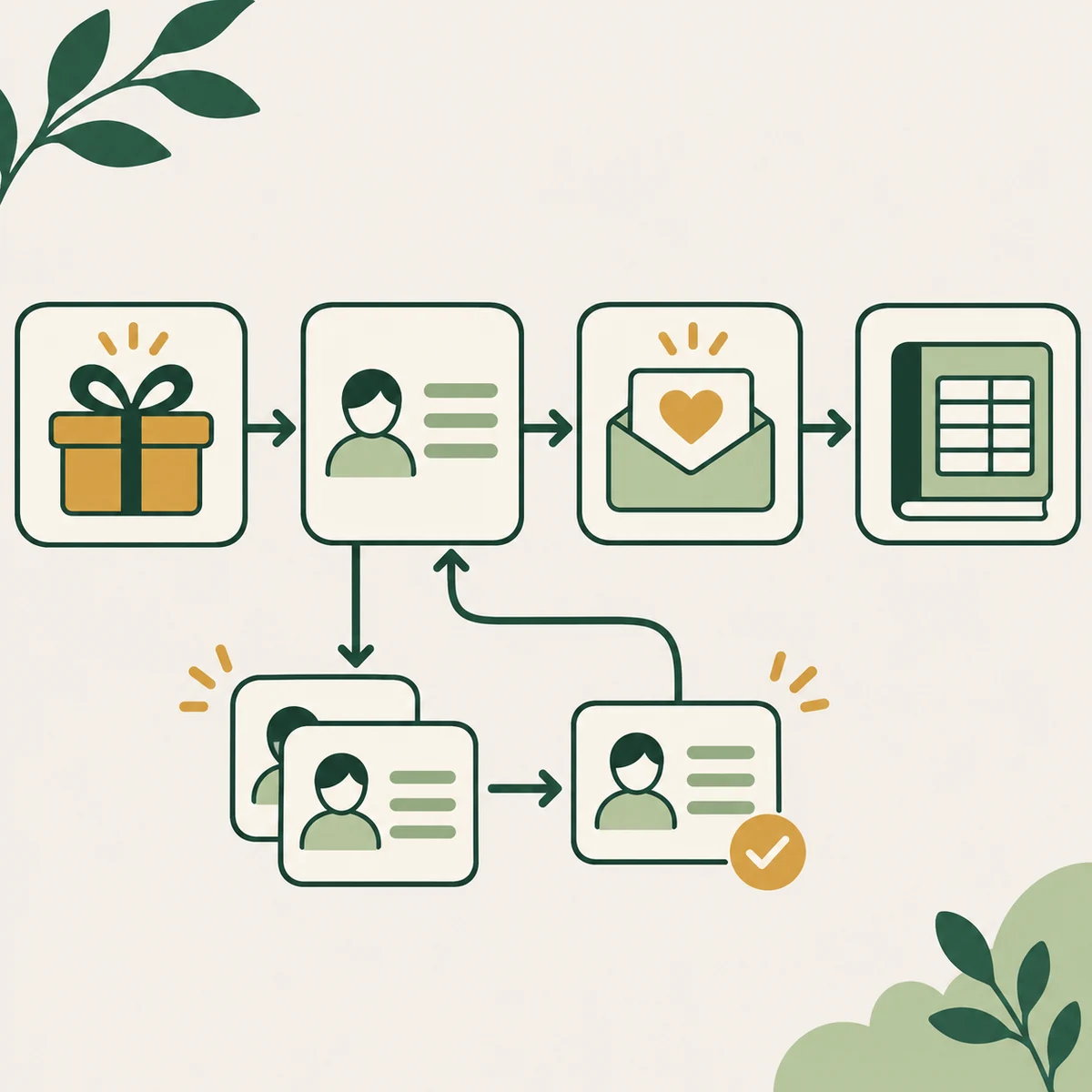
I would rather see one complete process than twenty impressive screens.
Here is a fictional test for a fundraising team. A supporter makes a gift. Staff record it, prepare the acknowledgement, arrange follow-up and pass the right information to finance. Then someone notices a duplicate record.
Ask the vendor to show the correction. Does the gift remain accurate? Is the follow-up still assigned? Can staff explain the final total?
For a program team, use an application, an attendance update and one reporting question. Test missing information as well as complete records.
Have the people who will use the system take part. Ask them to repeat the steps with guidance. Notice where they need another spreadsheet or a separate explanation.
This is also the point to ask whether improving the existing process would be enough. Sometimes it will. Sometimes a different platform is justified.
How much does a nonprofit CRM really cost?
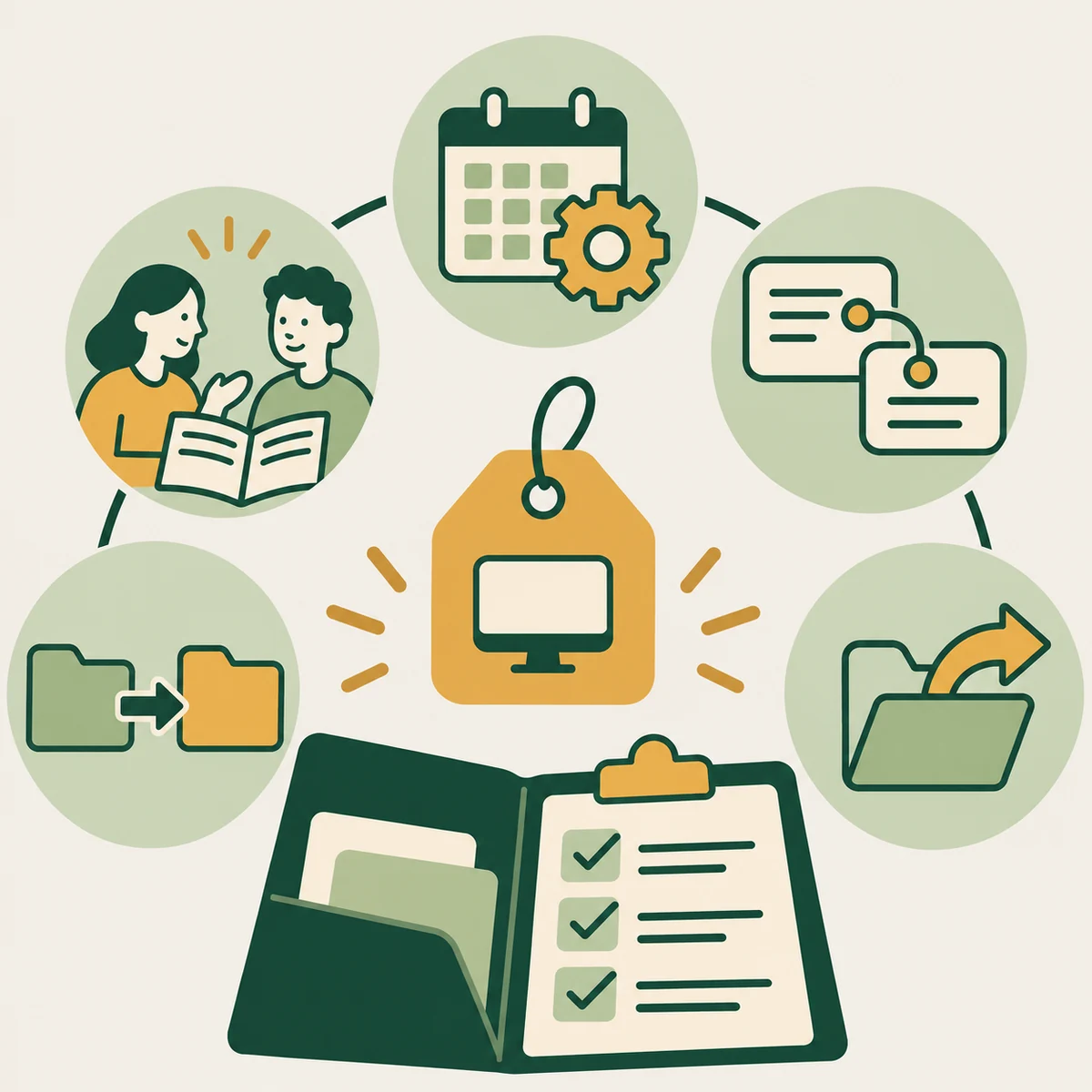
Put the same headings in every quote: subscription and currency; setup; data cleaning and migration; integrations; training; ongoing administration; usage charges; renewal terms; and exporting your information if you leave.
For Canadian budgeting, request a written quote that states CAD or USD, the billing term and everything included. A starting price in another currency is not your total operating cost.
Include staff time. Somebody will manage permissions, fix records, train new colleagues and check connections. If the plan depends on a person who has no time allocated, the cost comparison is incomplete.
Canadian buyers should also check their actual needs for consent records, receipt handling, data location, retention, access and language support. Ask for evidence about your requirements rather than a general “compliant” label.
Nonprofit CRM questions and answers
What is the best CRM for a small Canadian nonprofit?
Start with the main job: donor follow-up, memberships, program records or reporting. Choose a small shortlist and test that job with your staff. A simpler system that they can maintain may fit better than a broader platform with no time allocated to administration.
Is free nonprofit CRM software really free to run?
Free software or donated licences can reduce subscription costs. Data cleaning, setup, hosting where needed, integrations, training and administration still require time or money. Confirm what support is included and budget for the ongoing work.
Can a donor CRM handle program and funder reporting?
It depends on the records, access rules and reporting features available in your package. Ask for a demonstration from application through attendance to the report you need. Define participants, attendances and outcomes separately; do not assume donor-management features cover program needs.
Should we replace our CRM or connect our existing tools?
Map one process first. If the tools support the work but information gets lost at handovers, clearer responsibilities or a limited connection may help. Replacement makes more sense when essential records, access controls or reporting needs cannot be supported reliably within the existing setup.
Choose a nonprofit CRM your team can run

I understand the appeal of buying something that promises to bring order. I kept reaching for that answer myself.
Now I start with one process, one reporting question and clear responsibilities. Then I ask what software would help the team carry it out.
That approach shapes our work at Nimara. Through Program Delivery & Reporting, we help teams connect the information, clarify ownership and practise the process through to handover.
For a practical example of the reporting problem, read why nonprofit reporting became one of the hardest parts of my work.
Before choosing a CRM, try our workflow mapping guide. Bring the map to your next demonstration.
If you want more honest lessons from the work behind nonprofit operations, subscribe to Nimara’s emails. I’ll share what I have learned, what I have had to rethink and practical things your team can use.
Illustrations were created with AI. Examples are fictional. Product descriptions reflect published vendor information, checked November 2, 2026. This is a researched shortlist rather than a hands-on review.